Appearance
How to create an API key?
FreshUpdated: 2026-03-22
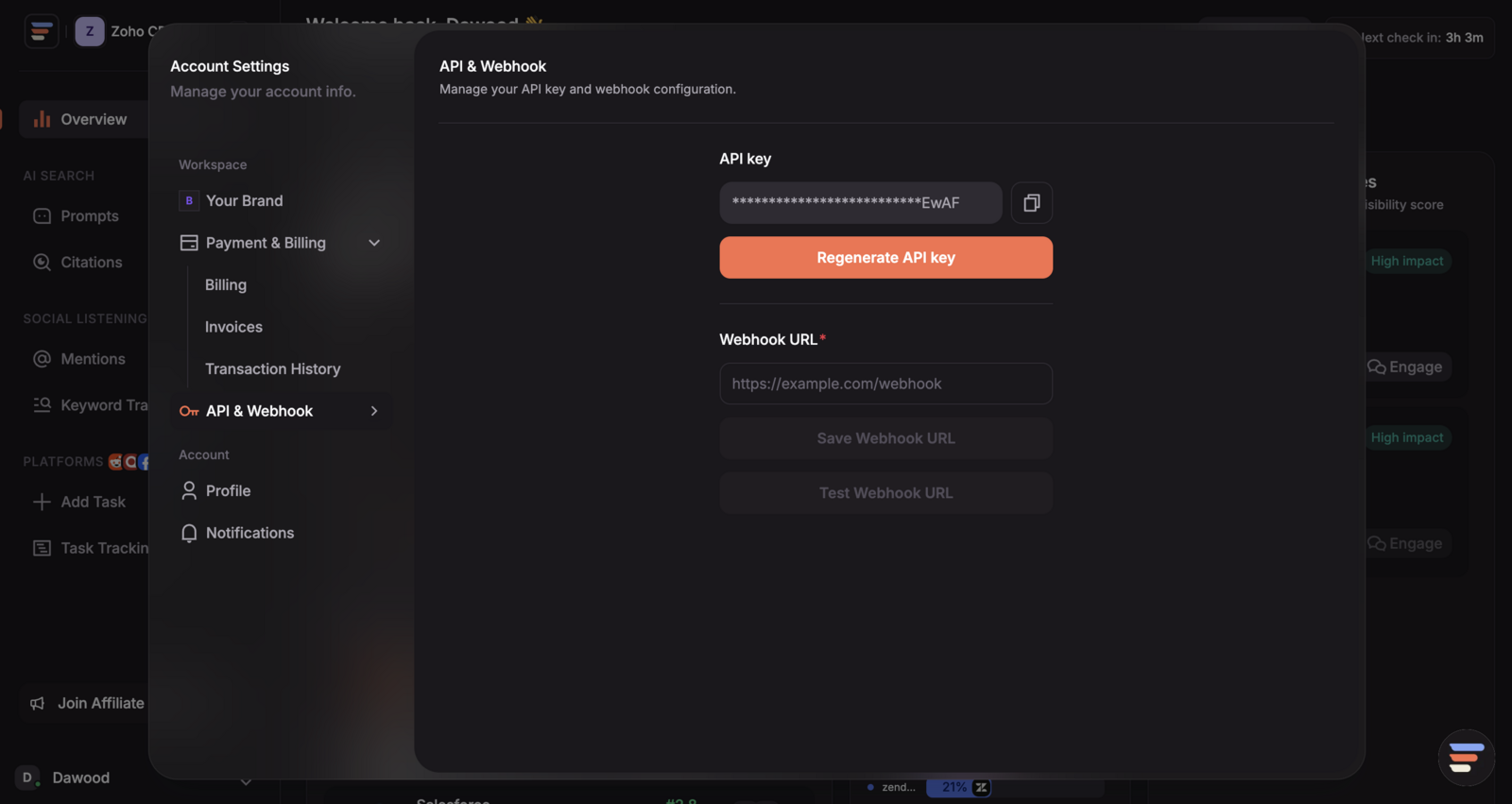
You can generate your API key in just a few clicks from your CrowdReply account settings. Steps: Go to the Account Settings page on CrowdReply. Select the API option from the left menu. Click the Generate API Key button. Your new API key will appear in the field above. (Optional) Click the copy icon to easily copy your API key for use in your integrations.
You can generate your API key in just a few clicks from your CrowdReply account settings.
Steps:
- Go to the Account Settings page on CrowdReply.
- Select the API option from the left menu.
- Click the Generate API Key button.
- Your new API key will appear in the field above.
- (Optional) Click the copy icon to easily copy your API key for use in your integrations.