Appearance
How to post a group task?
FreshUpdated: 2026-03-22
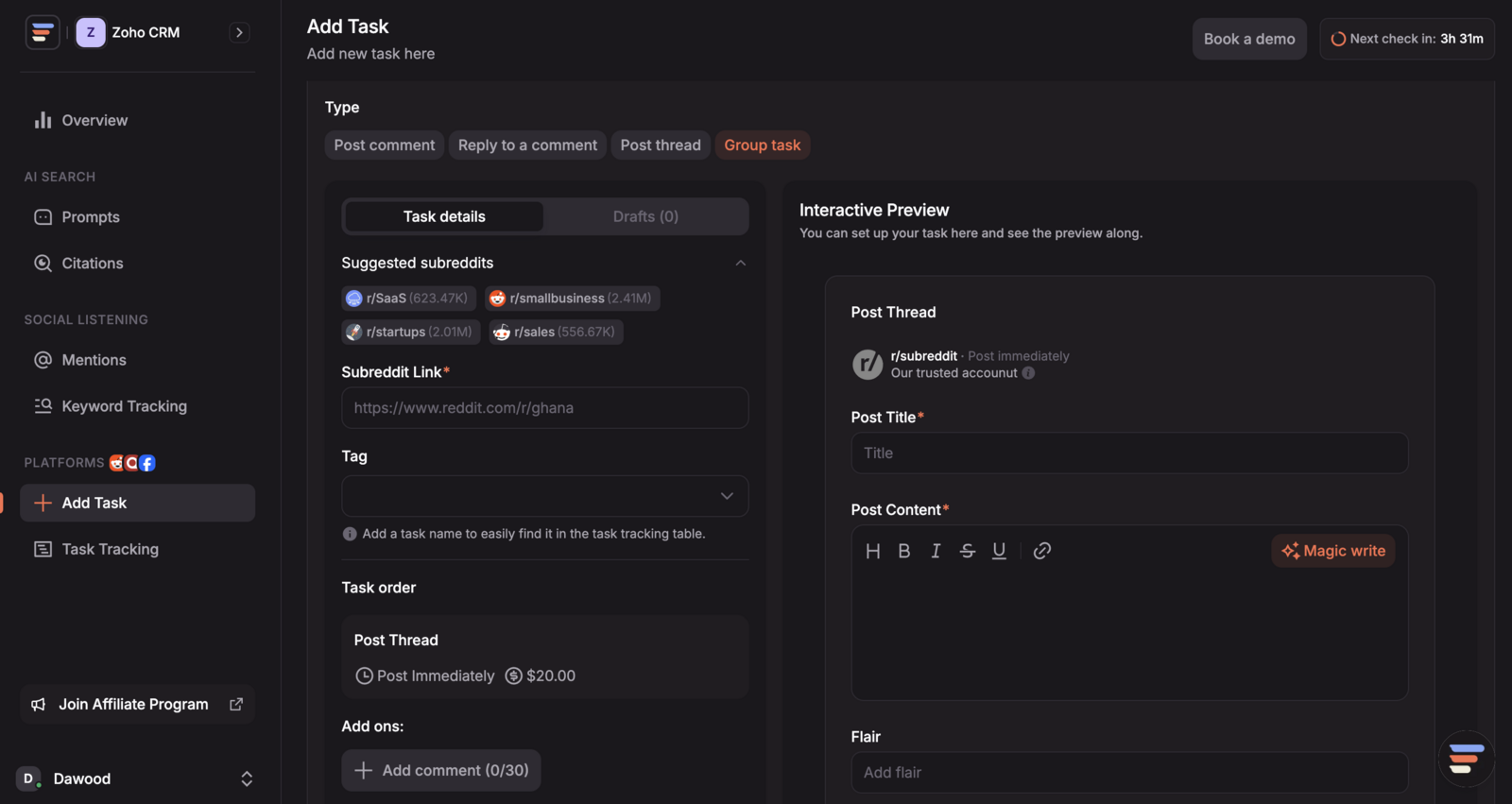
A Group Task lets you package a thread, multiple comments, and replies together, making it easy to coordinate full Reddit conversations in one go.
Steps:
- Go to the ** Add Task page**
- Select the “Group Task” Tab
- Set Up the Thread
- Enter the subreddit, thread title, and main content for your new Reddit thread.
- Add Comments (Up to 10)
- Write up to 10 separate comments that you want posted under your thread.
- Add Replies to Comments (Optional)
- For each comment, you can also add a reply (so you can simulate full conversations).
- Schedule Your Comments and Replies
- Set when each comment and reply should be posted in relation to the thread going live.
- Choose the Tag
- Assign the group task to your desired tag.
- Click Submit
- Finalize and submit your group task.
Benefits:
- Manage all your thread, comment, and reply tasks in one place with no need to create separate orders.
- Schedule your full conversation flow for more natural, organic engagement.
Track your group tasks here:
https://crowdreply.io/tasks?type=group-task